Cline complete introductory tutorial, 5 steps to get started with the free Claude Code alternative in 2026 VS Code
Cline is one of the fastest-rising AI coding tools in the 2026 open-source community, positioned as a free alternative to Claude Code and existing as a VS Code extension. It calls large-model APIs directly and can read project code, run commands, write files, and run tests right inside the editor. For developers who don't want to pay for a Cursor or Claude Code subscription but still want to experience full-flow AI programming, Cline is one of the best-value options available. This article lays out 5 steps to get started, from installation and configuration to typical usage and onboarding tips.
Step 1: Understand How Cline Differs from Other AI Coding Tools
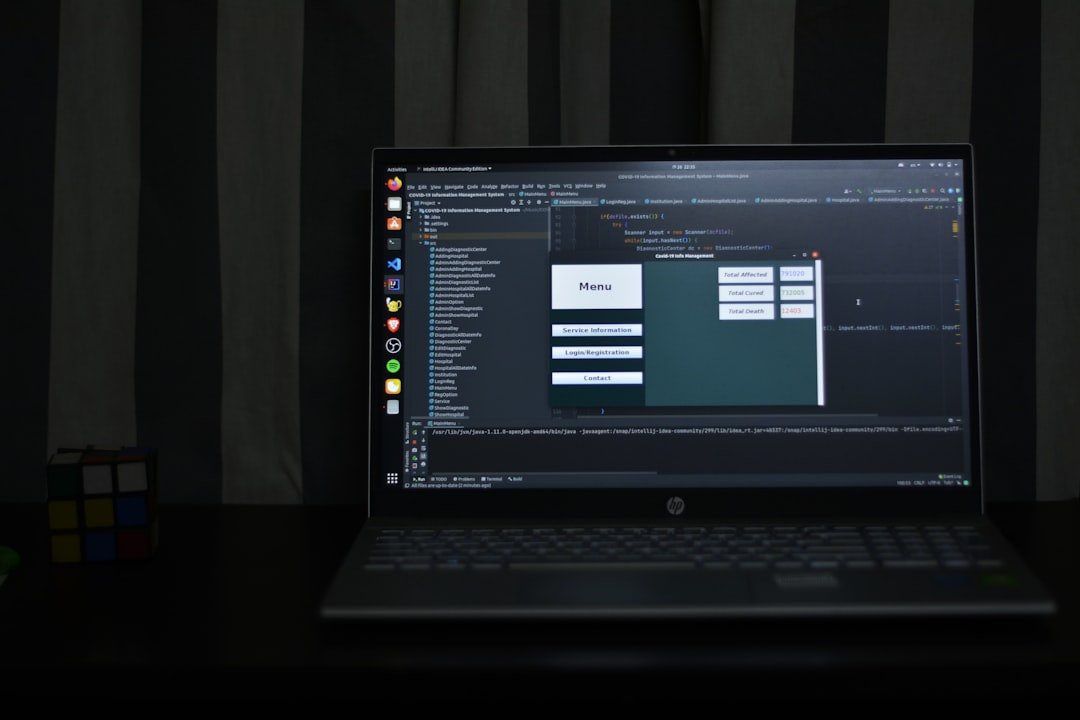
Cline, Cursor, Claude Code, and GitHub Copilot are all AI coding tools, but they are positioned differently. Cursor is a standalone AI-first editor with a deeply customized IDE experience, on a subscription. Claude Code is Anthropic's official command-line tool that runs directly in the terminal. GitHub Copilot is completion-focused, with limited chat capability.
Cline differs in two respects. First, it's a VS Code extension—you don't need to switch editors and can use it right inside the familiar VS Code. Second, it comes with Agent capability, able to continuously read files, write files, and run commands, rather than doing simple completion or chat.
The trade-off is that the user has to bring their own API key, and large-model calls are billed by tokens. With the Claude API, an hour or two of use a day usually costs a few dollars to a dozen-odd dollars, which is reasonable for an individual developer.
Step 2: Install the Cline Extension and Complete Configuration
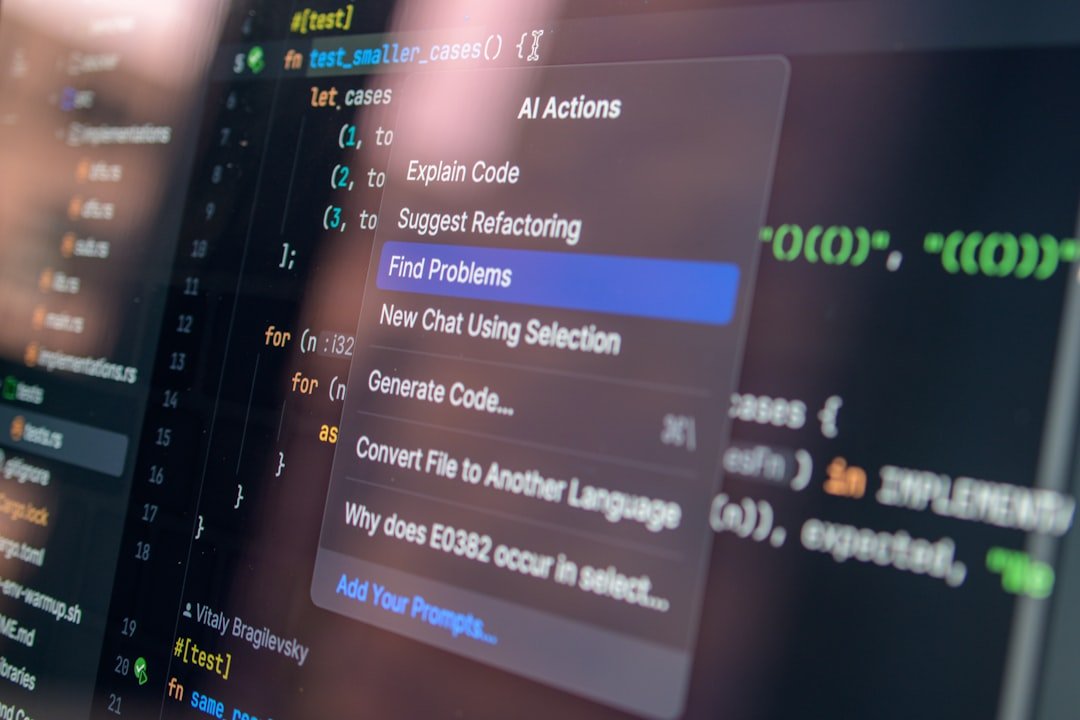
Open VS Code, search for Cline in the Extensions Marketplace in the sidebar, and click Install. After installation, the Cline icon appears on the left side of VS Code. The first time you open it, a configuration screen pops up asking you to choose a large-model provider and API key.
There are three main types of choices. The first is the official Anthropic API; the Claude Sonnet series is recommended for the most reliable results. The second is OpenRouter, where one key gives you access to many models, good for experimenting. The third is various domestic model APIs such as DeepSeek, Kimi, and Zhipu GLM, which are cheaper but vary in coding ability by model.
After entering the API key, save it. Open a project in your workspace, and Cline will automatically recognize the project structure. For a large project, you can set ignore files in the configuration to prevent the extension from reading irrelevant directories.
Step 3: Typical Usage 1, Have Cline Read and Explain Code

The simplest entry-level usage is to have Cline read code and answer questions. In the Cline chat panel, type: "Read the src/api directory and tell me what the API structure of this project looks like." Cline will automatically list the files in the directory, read them one by one, and then give a structural analysis.
In this scenario Cline is much stronger than calling ChatGPT raw, because it can directly access local files without you copying and pasting by hand. The explanation it gives after reading a few files is usually fairly accurate and helps you quickly understand an unfamiliar project.
Note that by default Cline consumes tokens for every file it reads. If the project is large, limit the scope in the prompt first—for example, "only read up to 5 core files under the src/api directory"—to avoid eating up too many tokens at once.
Step 4: Typical Usage 2, Have Cline Write New Code
The second common scenario is having Cline write code directly. For example: "Create a new dateFormat.ts file under src/utils that provides a utility function for formatting dates, supporting both Chinese and English."
Cline will first analyze the existing code style, TypeScript configuration, and third-party libraries used in the project, then propose a plan and write the file only after you confirm. This "plan first, then act" flow is important for keeping AI from writing code recklessly.
If Cline gets it wrong, just say in the chat, "That function has a bug, the xxx edge case isn't handled," and it will read back the file it just wrote, fix it, and write it again. The whole process requires no opening of the terminal or switching windows.
The most common pitfall for beginners is having Cline write too large a feature at once. It's advisable to have it do one small step at a time, confirming after each before continuing. This both keeps quality under control and avoids consuming a lot of tokens at once.
Step 5: Typical Usage 3, Have Cline Run Commands and Tests
Cline's Agent capability shows in its ability to run terminal commands. For example: "Install the axios package, then write a simple fetch example and put it in the examples directory."
Cline will first bring up the terminal, run npm install axios, and create the example file after it finishes. The whole process happens inside VS Code with no window switching.
Running tests follows the same logic. "Run the current module's tests and see whether the changes just made broke any existing cases." Cline will run npm test or the corresponding command, read the output, tell you which cases failed and why, and automatically try to fix them.
This capability is powerful but also calls for caution. By default Cline asks for your confirmation before running a command—don't immediately grant it top-level "run any command" permission. Before sensitive operations like git push, rm-ing files, or modifying a database, be sure to confirm manually.
What Kind of Developer Is Cline Suited For
Three types of developers are best suited to Cline.
The first is full-stack developers already familiar with VS Code. Cline lets you tap into AI capability seamlessly without switching editors, with the lowest migration cost.
The second is budget-sensitive individual developers or students. A Cursor subscription is 20 dollars a month, and Claude Code via API starts at at least 17 dollars—this money isn't cheap for students. Cline runs on pay-as-you-go API billing, so when you use it lightly the bill can be kept to a few dollars a month.
The third is intermediate developers who want Agent capability but don't want to leave the VS Code ecosystem. Cline can both complete code and run commands, sitting between Copilot and Cursor.
The unsuitable groups are also clear. If you're a pure beginner just learning to program, using the ChatGPT web version directly may be friendlier. If you need a unified paid plan for team collaboration, the Cursor or Copilot enterprise edition is more appropriate.
How to Choose Between Cline and Claude Code
Many people agonize over the two. In short, Cline suits a GUI workflow and Claude Code suits a command-line workflow.
Cline's advantage is good visualization—the file tree and diffs all show in VS Code. Claude Code's advantage is that it's command-line native, smoother for running tests, writing scripts, and Git operations, and Anthropic's official maintenance and updates are faster.
If your project is mainly web front end, TypeScript, or complex React apps, where VS Code's visual experience matters, choose Cline. If you mainly do server-side Go/Python/Rust, command-line tools, or embedded work, Claude Code is handier.
The two don't conflict, either—in real work you can mix them: open Cline in VS Code to handle the UI, and open Claude Code in the command line to handle the backend.
Cline's Cost and Considerations
Estimated at Claude Sonnet 4.5's current price, Cline's API cost for medium-intensity use is roughly a few dollars a day, depending on project size and conversation frequency. If you make just one or two small edits a day, it might be under 1 dollar. If you do continuous large refactors, a day might consume a dozen-odd dollars.
A few token-saving tips. First, regularly clean up the project ignore list in the configuration so Cline doesn't read node_modules, dist, or log files. Second, explicitly limit the scope in the prompt—don't let it scan the whole project. Third, start a new session every few rounds in a long conversation to avoid an overly large context.
API-key security also matters. Cline stores the key in the VS Code configuration; if you sync your configuration to the cloud, make sure the key won't leak. It's best to use a relay like OpenRouter that supports permission isolation, and set a monthly budget cap to avoid abuse.
Frequently Asked Questions (FAQ)
Is Cline completely free
The Cline extension itself is open-source and free, but it has to call large-model APIs, and that part costs money. The cheap option is to use a domestic API like DeepSeek, a few RMB per million tokens; the expensive option is the official Anthropic Claude Sonnet, dollar-level per million tokens. The exact cost depends on your actual usage. If you're just trying it out, topping up a few dollars to run it is enough.
Which is better, Cline, RooCode, or Continue.dev
All three are AI coding extensions inside VS Code. Cline has the most complete Agent capability, supporting automatic command execution and multi-step workflows. RooCode is a fork of Cline with more aggressive optimization of certain details. Continue.dev leans toward chat and completion, with relatively weak Agent capability. If you want a fully automatic Agent, choose Cline or RooCode; if you just want chat and completion, choose Continue.
Can Cline be used on production code
It can, but cautiously. The code Cline writes is, after all, large-model-generated, and its quality depends on the model behind it and your prompt. Treat it like an intern who can write code: every output must be reviewed before merging, and code involving the business core, money, or security especially must be examined carefully. Having Cline write test code, documentation, or simple utility functions is low-risk; having it directly modify core modules related to payments, login, or encryption is high-risk.
How well does Cline work with domestic models
The DeepSeek series is close to first-tier in coding ability with outstanding value, suited to budget-sensitive scenarios. Kimi and Zhipu GLM have an edge in Chinese understanding but are slightly weaker than DeepSeek in coding. The Qwen series is also a good choice, especially Qwen Coder, which is specially optimized for code tasks. For Chinese-only projects and routine tasks, domestic models are entirely sufficient; for English-document-heavy work and complex algorithms, Claude still has an advantage.
Is Cline safe? Will it steal my code
Cline itself is open-source, with its code hosted on GitHub for inspection. It does send your code to the large-model API you choose, and the privacy risk of that step depends on the API provider. If you're worried about code leaking, you have two options: one is to run a local large model with a tool like Ollama, so the data never leaves your machine, though the results are weaker than a cloud API; the other is to choose an API provider with enterprise-grade compliance commitments, such as Anthropic or OpenAI, both of which have corresponding no-training-on-data commitments.
📝 本文来自抖文 www.douwen.me ,转载请保留出处。
原文链接:https://douwen.me/archives/1114/
💬 评论 (7)
Step-by-step is gold.
Stats really back it up.
Practical tips not fluff.
Easy to follow.
Clear and to the point.
Solid breakdown, very useful.
Great resource.