Top 8 Free AI Picture Editor Recommendations, 2026 Online No Registration Required
The AI picture editor in 2026 can already complete 80% of the common operations of traditional Photoshop, including cutting out images, changing backgrounds, removing objects, modifying portraits, coloring, and expanding images. The most important thing is that almost all mainstream tools have free versions. There is no need to install a client and you can use it just by opening the browser. This article is based on actual testing of the Top 8 recommendations, each with usage scenarios and specific limitations.
The test dimensions include functional completeness, ease of operation, free quota, output image quality, and save format. The test sample is 30 real photos, including portraits, landscapes, products, e-commerce main images, and social avatars. Each tool uses these 30 images to perform the same operation and compare the real output.
First place: Photopea, the free version is most like Photoshop
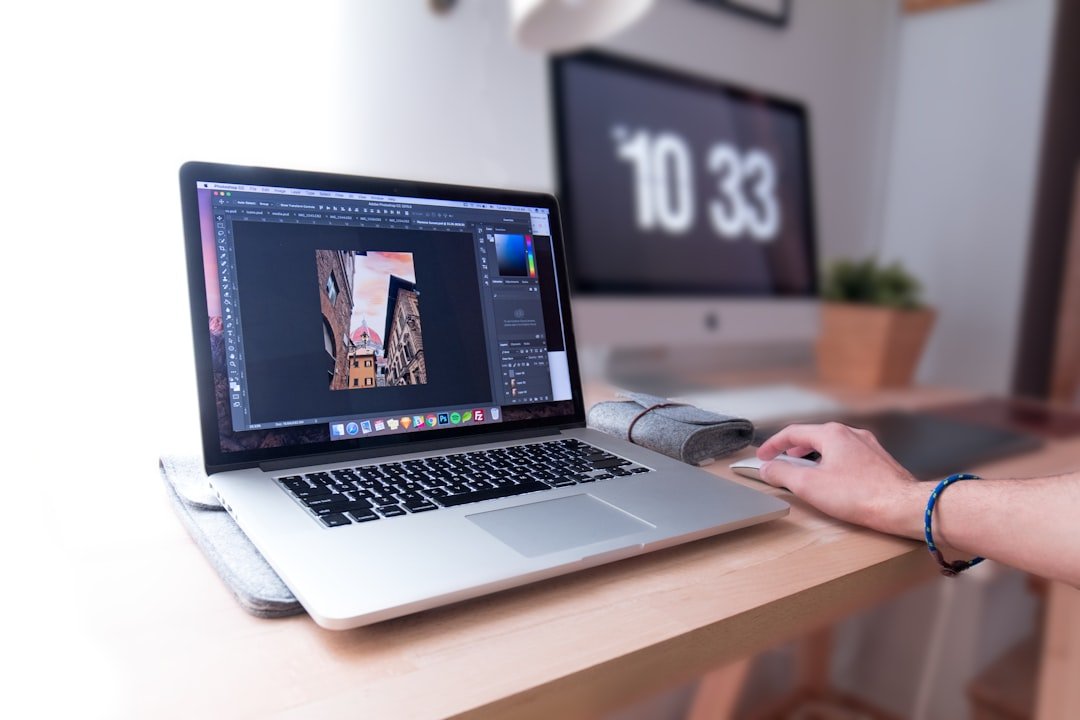
Photopea is a web version of PS created by Israeli developer Ivan Kutskir in 2013. It’s completely free and has no limits. The interface is 95% the same as Photoshop and supports reading and writing PSD files. There is almost zero learning cost for users switching from Photoshop.
Supports layers, masks, smart objects, adjustment layers, brushes, pen tools, patch tools, cutout, AI generation, AI expansion, text, shapes, filters, actions, and batch processing. Basically there are all the PS operations you can think of. The AI part will be added at the end of 2024, and the quality is slightly worse than Adobe’s own but sufficient.
The only shortcoming is that the AI function requires watching ads or subscribing to Premium to unlock it. Premium is $60 per year, which is cheaper than a month of Photoshop. The free version has unlimited use of all traditional functions, with limited AI functions but a free daily quota.
Second place: Adobe Express, Adobe’s official free version
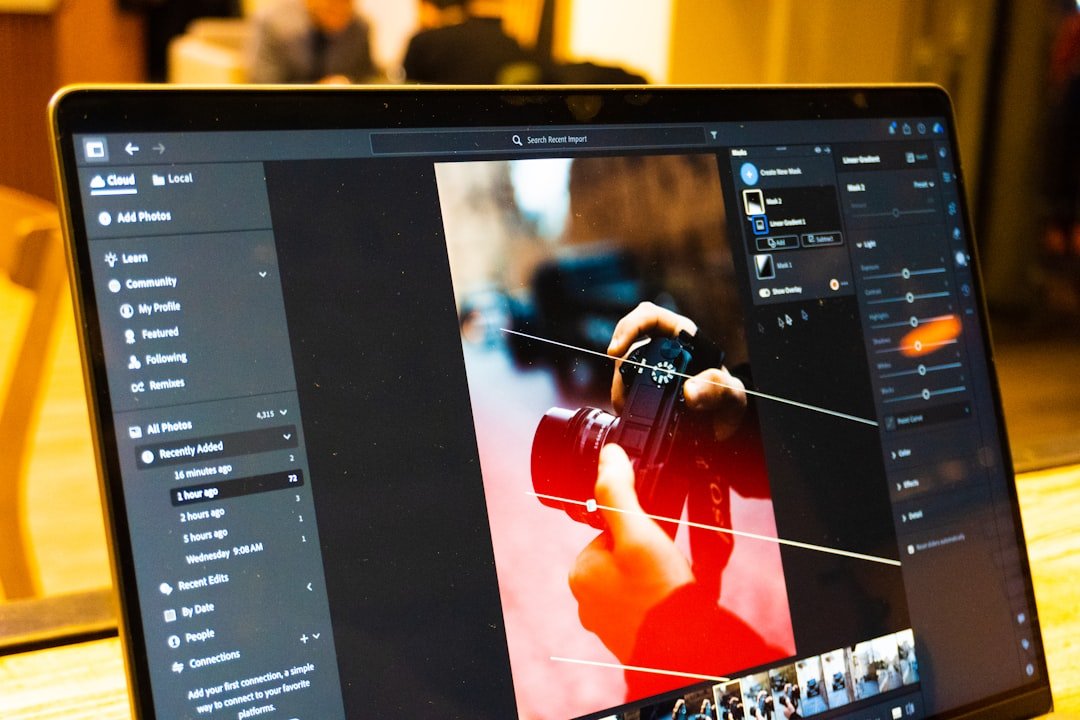
Adobe Express is a free cloud tool promoted by Adobe and is positioned as a design tool for non-professional users. The free version comes with all modern AI functions such as AI generation, AI cutout, AI image enlargement, and AI repair. There is a monthly limit (about 30 AI operations). If it is not enough, you must subscribe to Premium.
The biggest advantage is to connect with the Adobe ecosystem. Import and export support all Adobe file formats. After logging in to your Adobe account, design resources will be synchronized in the cloud. The free version includes 18,000 templates covering social media, posters, flyers, video covers and more.
Suitable for social media operations and e-commerce main image production. The professional editing capabilities are weaker than Photopea, but the templates and material library are far superior. The first choice for users who need to publish social content in batches.
Third place: Fotor, the most powerful AI photo editing function
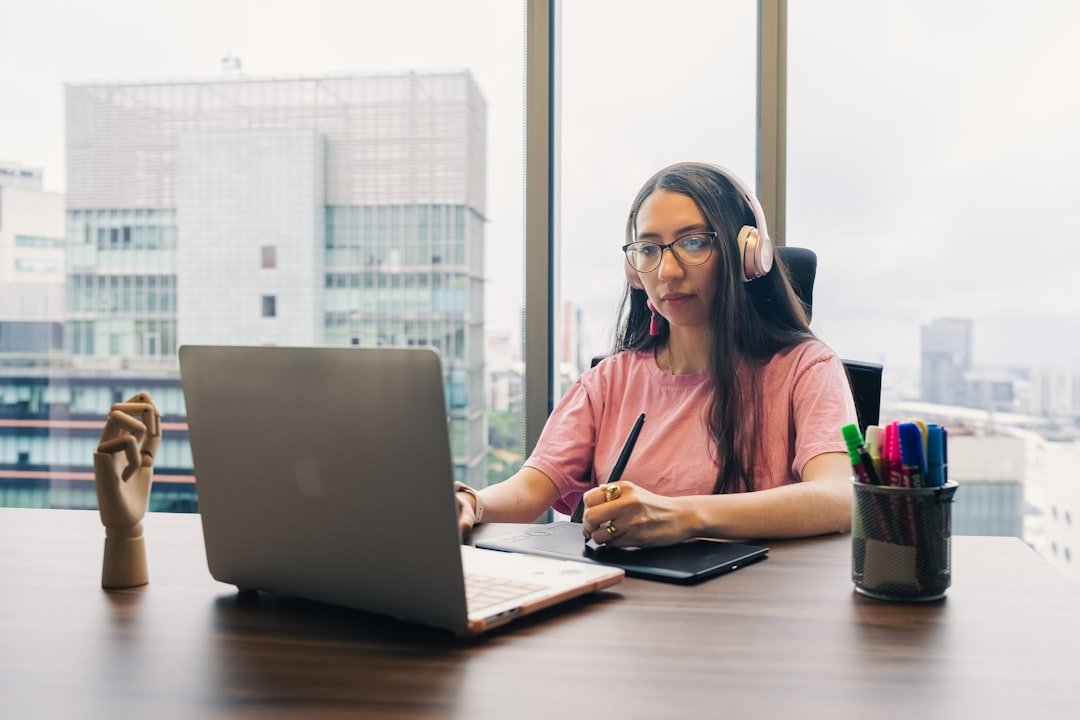
Fotor is a web page editing tool developed by a Chinese team and has many overseas users. The biggest feature is that the AI image retouching algorithm has the best image quality among all free tools. The output quality of the core functions of AI cutout, AI background change, AI character removal, and AI repair of old photos is close to that of paid tools.
The free version has limits. 3 AI operations per day, AI output pictures are watermarked (to go to watermark, subscribe to Pro for $8.99 per month). Basic photo editing (cropping, color correction, filters, text) is completely free and unlimited.
Portrait retouching is particularly strong. One-click skin resurfacing, face slimming, whitening, and light adjustment, and the results are natural and authentic. Common tools for social media bloggers. Export supports PNG, JPG, PDF.
Fourth place: Canva, the strongest in templates and collaboration
Strictly speaking, Canva is a design platform rather than an image editor, but it has built-in good image processing functions. The free version includes AI image cutout (Magic Eraser), AI image expansion (Magic Expand), AI text to image generation, and batch editing.
The biggest advantages are templates and team collaboration. 500,000 free templates, 250,000 free picture materials, and export in more than 100 file formats. It is easier than Figma for multiple people to collaborate and edit a design drawing in real time. Almost all small and medium-sized enterprises use Canva to export materials to the market.
The depth of retouching is not as good as Photopea. Canva does not support detailed layer operations and cannot perform fine color adjustments. But 95% of social media and office scene design is enough.
Fifth place: Remove.bg, specializing in image cutout
Remove.bg is the benchmark in the field of cutout. Remove backgrounds with one click, with the highest accuracy among all free tools. Complex hair, fur, and translucent objects are handled particularly well. Free version 5 times per day (SD output 0.25 MP), HD with subscription.
The interface is so simple that no learning is required. Upload the image and automatically output the background-removed version after 3 seconds. Supports direct download of PNG with transparent background. The resolution of the free version is limited, but it is enough to replace the background with social media avatars and product images.
API prices are transparent and easy for developers to integrate. All product images in my own online store are processed in batches using the Remove.bg API, which saves 100 times the time compared to manual image cutting.
Sixth place: Cleanup.pictures, specializing in object removal
Cleanup.pictures is a free tool made by the Photoroom team, specifically used to remove objects in pictures. AI intelligently fills the smeared area, the effect is close to Photoshop's Content-Aware Fill.
The free version allows up to 5 swipes per image, with a resolution limit of 720p. Subscribe to Pro for $5 per month to unlock HD and unlimited access. The free credit is sufficient for the occasional removal of clutter or characters.
For a specific scene, for example, there is a strange passerby in a travel photo. Use Cleanup.pictures to smear it and it disappears, and the background is automatically filled in naturally. It is also very convenient to remove small clutter in the background of e-commerce product images. 20 times faster than manual retouching.
Seventh place: Pixlr, a veteran lightweight editor
Pixlr is a veteran in web image editing, launched in 2008. It is now divided into Pixlr X (simple version, suitable for novices) and Pixlr E (professional version, similar to Photoshop). Both have free versions that are unlocked by watching ads every day.
Pixlr X is great for quick photo editing. One-click filters, text, stickers, and batch color grading. Suitable for young users to create social media content. Pixlr E is suitable for scenes that require layers and detailed operations. It is simpler than Photopea but has slightly less complete functions.
The biggest feature is that you don’t need to register an account. You can use it as soon as you open it. The free version has a little more ads. Subscribe to Premium ($7.99 per month) to eliminate ads and add AI features.
Eighth place: Krita Web, open source painting artifact
Krita was originally an open source desktop painting software, and a web version (with some functions) will be launched in 2024. Completely free without any limits, suitable for digital painting and illustrators.
The editing function is not as good as that of Photoshop, but the painting function is strong. There are more than 100 preset brushes with excellent support for pressure sensitivity. It is suitable for illustrators to do creative work such as color drafts, line drawings, and coloring.
It is not recommended for daily retouching (cropping and coloring), but for illustrations, comics, and concept design, Krita is the strongest among the free ones. Compete with paid Procreate and Clip Studio Paint.
How to select tools by scene
E-commerce product pictures: Remove.bg (cut out pictures) plus Cleanup.pictures (remove clutter) plus Canva (create templates). After a set of processes, the product image becomes professional-level in seconds.
Social media content: Canva (template) plus Fotor (portrait retouching) plus Adobe Express (batch export). Visual materials covering all platforms.
Fine retouching and design: Photopea (core tool) complements AI capabilities with other tools. Photopea solves 95% of your fine retouching needs with one tool.
Illustration and creation: Krita Web is the main force, plus Photopea is used for post-production synthesis. Completely free professional painting workflow.
Beginners can quickly create pictures: Pixlr X or Adobe Express. The learning curve is the gentlest, and you can draw your first picture in 10 minutes.
Privacy and security of online tools
All these tools require uploading images to the server for processing. It is not recommended to use the web version of the tool for privacy-sensitive pictures (ID cards, contracts, private photos). You can choose desktop tools such as Krita (completely local processing) or GIMP (open source and free).
When using images for commercial purposes, please pay attention to the tool’s terms of service. Some free versions have terms that authorize the platform to use content uploaded by users. For important projects, it is safer to use paid versions or local tools.
Pay attention to the output format as well. Some free version output images contain metadata watermarks (invisible but traceable). Fully clean output generally requires the paid version. Social media usage is not a concern, and metadata must be confirmed when submitting a project officially.
Improve efficiency with AI tools
These image editors can be used with AI generation tools. For example, use Midjourney or DALL-E to generate the original image, and then use Photopea to make detailed modifications. Or use Stable Diffusion to generate multiple versions, and then use Canva to batch output images.
The core of the workflow is AI generation plus traditional photo retouching and batch photo output. AI gives you a rough look, the retouching tools make fine adjustments, and the template tools are adapted to multiple platforms in batches. This hybrid process is 5 to 10 times more efficient than a single tool.
I myself process about 30 to 50 images a day, using free tools throughout. The monthly expenditure is zero yuan, and the efficiency is higher than spending money to subscribe to Photoshop. The key is to choose the right tools and streamline your workflow.
Several tools that are not recommended
There are some popular tools that I’ve tested and don’t recommend. The free version of BeFunky has too weak functions, and key AI is locked to payment. There are many ads in the PicsArt web version and the experience is poor. It is recommended to use the mobile app. Lunapic's interface is outdated and its operation is anti-human. These tools are recommended online but the actual experience is very poor.
New tools are emerging all the time, so don’t let the novelty fool you. Whether a tool is really useful depends on whether it can complete your core workflow, not on how many fancy functions it has. Photopea, a tool that has been honed for ten years, is the most stable.
FAQ
Can the output of free tools be used commercially?
Most can. The free version outputs of Photopea, Canva, Fotor, and Pixlr are all allowed for commercial use. However, please note that AI-generated content (some tools) and material libraries (especially some materials in the free version) have commercial restrictions, so read the terms before use.
Will web tools lose my images?
Not with normal use. All major tools use HTTPS to encrypt uploads and automatically delete them from the server after processing. However, there are theoretical risks in extreme situations (server failure, attack events). It is recommended to back up important images locally before uploading them.
Do these tools support Chinese?
Mostly supportive. Photopea, Canva, Fotor, Adobe Express, and Pixlr all have complete Chinese interfaces. Remove.bg and Cleanup.pictures do not require language switching because the interface is too simple. Krita's Chinese translation is slightly incomplete but adequate.
Can it be used on mobile?
able. All of these tools have responsive web designs that can be opened by mobile browsers. However, complex tools like Photopea and Pixlr E are awkward to operate on a mobile phone screen. It is recommended to use a tablet or computer. Quick photo editing for social media is more convenient with the mobile app.
How much worse than Photoshop
Photopea can complete about 85% of the functions of PS, Canva can complete 60%, and other single tools can complete 30% to 50%. But for the vast majority of non-professional users, the capabilities of free tools far exceed daily needs. Professional designers still need PS, but ordinary users don’t need to pay for a subscription.
Free tools are advancing faster than you think. In 2020, I thought Photoshop was necessary for photo retouching. In 2026, I discovered that a combination of free web tools can cover almost all needs. I hope this list will help you save money on software subscriptions and focus more on your creation.
📝 本文来自抖文 www.douwen.me ,转载请保留出处。
原文链接:https://douwen.me/archives/612/
💬 评论 (6)
Sharing this with my team.
Bookmarked for reference.
Thanks for the detailed comparison.
Great resource.
Clear and to the point.
Solid breakdown, very useful.