Inventory of AI video to text tools, 6 free subtitle generators available in 2026
Content creators in 2026 can hardly do without AI video-to-text tools. Whether it's turning a two-hour meeting recording into meeting minutes, quickly adding accurate Chinese subtitles to a short video, or even converting a whole episode of a podcast into a searchable transcript, work that used to be done only by hand on a keyboard can now be handled by AI in a few minutes. There are a great many tools on the market that can do video-to-text: open-source free ones, free online services from big companies, and paid products aimed at professional users. This article sorts through 6 tools commonly used in 2026 that can all start for free, explaining each one's strengths, weaknesses, and target users, helping you pick the handiest one for your scenario.
1 Why More and More People Can't Do Without AI Video-to-Text
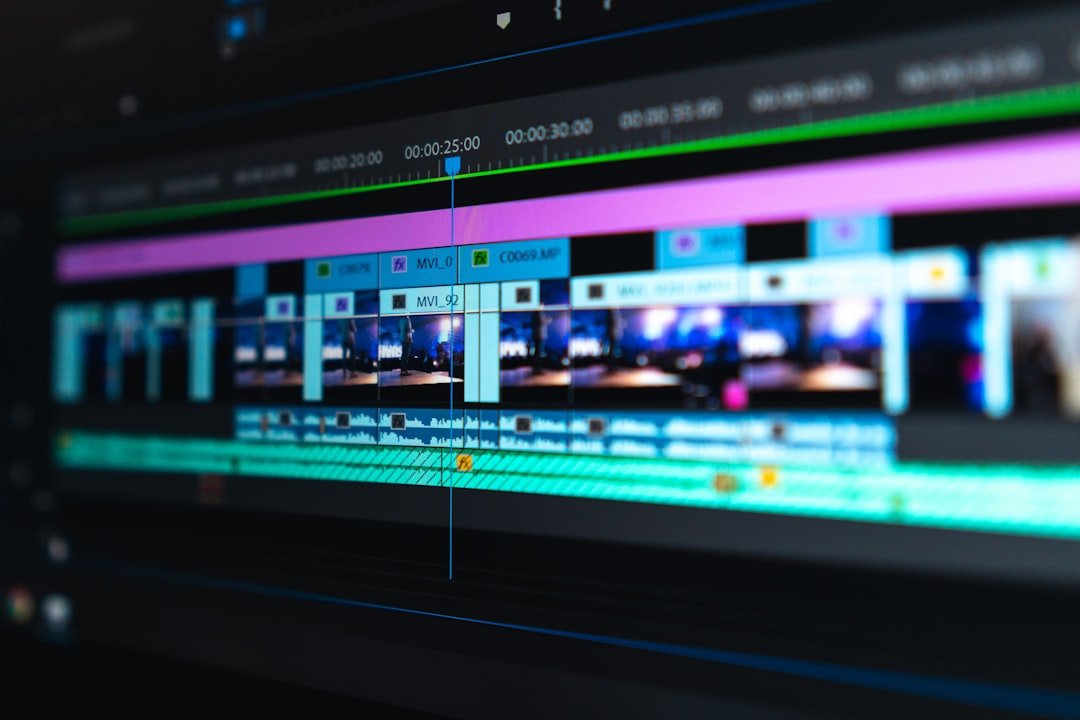
The first typical scenario is content creation. Turning a talking-head short video into subtitles is almost a hard requirement for short-video bloggers, who in the past either paid tens of yuan to outsource it to a subtitling crew or typed it out line by line themselves. Now you open any mainstream tool, drag in the video, and a few minutes later you get a subtitle file with a timeline; a little proofreading and you can burn it in directly. For people making long videos and podcasts, converting the full audio into a transcript can also be used to generate descriptions, extract quotable lines, and write SEO titles.
The second typical scenario is knowledge workers organizing meetings and interviews. For a two-hour online meeting, an AI tool can give you a speaker-separated transcript in a few minutes, and layering on a summary feature generates meeting minutes directly. Journalists and researchers conducting interviews are increasingly used to transcribing with a tool first and then taking notes and quoting on the transcript text, an order of magnitude more efficient than rewinding and re-listening to recordings.
The third typical scenario is learning and material archiving. Overseas courses, technical talks, and industry interviews exist in large quantities in video form, and once converted to text they're both easy to search by keyword and easy to further distill with AI summary tools. Distilling a year's worth of videos you've watched into a searchable text repository is a use case that's becoming more common in knowledge-management circles.
2 Evaluation Dimensions: Looking at Tools from These 4 Angles

When choosing a video-to-text tool, what most people care about most is accuracy. In Chinese scenarios, accents, technical terms, multi-person conversation, and background noise all affect transcription quality. Generally, big companies have more abundant training data for Chinese recognition, so the results are usually better than general overseas models. In English scenarios, open-source models led by Whisper are widely recognized in the industry as one of the better choices.
The second dimension is language support. If you only do Chinese content, a tool with Chinese optimization is enough. If you involve multiple languages such as English, Japanese, and Korean, as well as dialect-recognition needs, look at the specific product's list of supported languages. Open-source models like Whisper have fairly comprehensive multilingual support, which is its advantage.
The third dimension is price and limits. Free tools generally have a duration cap or a monthly quota, beyond which you have to pay. Some tools charge by audio/video duration, some by monthly subscription; refer to the official page for specific prices. For people who use it once in a while, the free quota is often enough; for professional users processing large volumes of material daily, you need to calculate the value for money.
The fourth dimension is processing speed and convenience. Online tools are convenient but have upload-time and file-size limits, while local deployment is fast but requires a certain technical threshold. Also look at whether it supports exporting common subtitle formats like SRT and VTT, whether it can distinguish speakers, and whether it provides timeline alignment; these details determine whether a tool is good to use.
3 OpenAI Whisper, the Open-Source King's Versatility
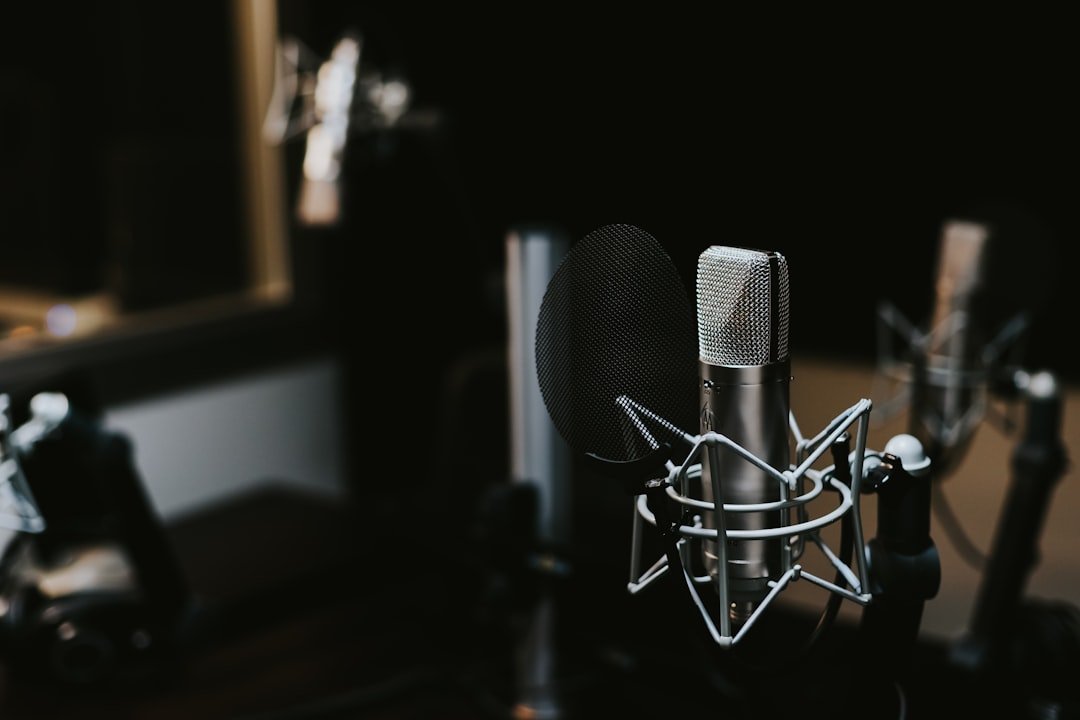
Whisper is the speech-recognition model open-sourced by OpenAI, arguably the landmark project of the open-source speech-recognition field over the past few years. It supports over a hundred languages, its Chinese recognition is among the better levels widely recognized in the industry among open-source models, and its robustness to noise and different accents is also decent. The biggest advantage is that it's completely free and can run locally, without uploading audio to any third-party server, which is especially suitable for privacy-sensitive scenarios.
In terms of how to use it, Whisper has two paths. Those with strong technical skills can download the model weights and run them on their own computer; on Mac there's an optimized implementation like whisper.cpp, and even an ordinary laptop can run the smaller models. Users who don't want to fiddle can use OpenAI's official API, paying by audio duration, and almost all third-party desktop tools (apps like MacWhisper, Buzz, and Aiko) are friendlier interfaces wrapped around Whisper.
Whisper's shortcoming is mainly that it doesn't distinguish speakers. If a piece of audio has multiple people talking, the transcribed text is just continuous sentences, and you need a post-processing tool to do speaker separation. In addition, its handling of Chinese punctuation isn't perfect, and sometimes commas and paragraph breaks need to be added manually.
Who it's for: individual users who value privacy and cost, developers and creators with some technical ability, and people who need multilingual support.
4 Tongyi Tingwu, Alibaba's Top Choice for Chinese Scenarios
Tongyi Tingwu is a speech-to-text service launched by Alibaba, with Chinese recognition that ranks in the first tier among domestic services. Backed by the language-model capabilities of Tongyi Qianwen, it does a fairly refined job on Chinese punctuation, paragraphing, and speaker separation, producing fairly readable transcripts with small editing effort.
Tongyi Tingwu's killer feature is a whole set of supporting functions beyond transcription. After you upload a video, it gives you not only a transcript but also automatically generates summaries, keywords, and to-do items, structuring the meeting content directly into output. For content like meetings, interviews, and training, this pipeline saves a lot of organizing time. It also supports direct integration with office suites like DingTalk, making it relatively easy to deploy in enterprise scenarios.
On price, there's a free quota, so light daily use basically requires no payment, and beyond the free quota it charges by duration; refer to the official page. For individual users, the free quota is usually enough for daily processing of a few interviews or meeting recordings.
The shortcoming is that for fields rich in technical terms (such as medicine, law, and semiconductors), recognition accuracy drops and post-proofreading is needed. For English audio, the results are inferior to English-focused tools of the same scale.
Who it's for: creators of mainly Chinese meetings, interviews, and podcasts, and knowledge workers who need to turn speech directly into structured notes.
5 Lark Minutes, Deep Integration for Meeting Scenarios
Lark Minutes is the meeting-recording feature integrated into ByteDance's Lark office suite. Its core advantage is deeply embedding audio/video-to-text into the meeting workflow; after a Lark meeting ends, Minutes automatically generates a complete transcript with a timeline and speaker labels, which all participants can view directly.
Its Chinese recognition is stable, and its accuracy is also top-tier among domestic services. The most distinctive feature is the AI smart-summary function, which automatically distills discussion points, decisions, and to-do assignments from a meeting, generating meeting minutes that are basically usable in most cases with only minor edits.
Beyond meeting scenarios, Minutes also supports uploading audio/video files separately for transcription. Free users have a duration quota, beyond which an enterprise-version subscription is needed. For teams already using Lark for office work, Minutes is an out-of-the-box capability with almost no extra learning cost.
The shortcoming is that the experience is discounted once you leave the Lark ecosystem; if a team doesn't use Lark, switching office suites just for Minutes isn't worth it. In addition, its processing workflow for pure recordings (non-Lark meetings) isn't as smooth as the native integration.
Who it's for: teams already using Lark for office work, and mid-sized organizations with relatively high requirements for meeting-minutes quality.
6 Jianying and CapCut, Subtitle Features Creators Reach for Handily
Jianying (the overseas version is called CapCut) is a video-editing tool from the same company as Douyin and TikTok, and its built-in auto-subtitle feature has let countless short-video creators bid farewell to the era of typing subtitles by hand. Open Jianying, create a new project, drag the video in, choose auto subtitles, and after a few dozen seconds you get the complete subtitles, with styles you can apply from a template in one click.
For creators making short videos and talking-head videos, the biggest value of Jianying's subtitle feature lies in the seamless integration of the workflow. Subtitle conversion, editing, voiceover, and adding effects are all done within the same software, with no shuffling among multiple tools. Its Chinese recognition has a good reputation in creator circles, with high accuracy for everyday talking-head content; technical terms and dialect scenarios need manual proofreading.
Jianying's subtitle feature itself is free, which is very friendly to individual creators. It also supports exporting subtitles as an SRT file, so if you don't do the final edit in Jianying, you can take the subtitles to other tools to continue using them.
The shortcoming is that it is, after all, designed for video-editing scenarios; if you only want a transcript and don't need to edit a video, the workflow feels redundant. In addition, when processing long audio (such as meetings over two hours), it's less efficient than dedicated meeting-recording tools.
Who it's for: short-video bloggers, podcast editors, content creators, and anyone already using Jianying for editing.
7 Notta, the Convenient Choice for Cross-Platform Online Services
Notta is an online speech-to-text service that emphasizes cross-platform and multilingual capabilities. It has a web version, iOS, Android, and a desktop app, and supports Chinese, English, Japanese, Korean, and more. Its free version gives a certain transcription-duration quota, enough for light daily use, while the paid version unlocks longer duration and more features.
Notta's characteristic is keeping the tool's workflow fairly lightweight. Open the web page and you can upload a file or record directly, and after transcription is done you can edit, add markers, and generate summaries right on the web page. It's specially optimized for meeting scenarios, supporting synchronized transcription for meeting platforms like Zoom and Google Meet, which is very practical for remote meetings in cross-border teams.
For mixed Chinese-English content, Notta's handling is also fairly stable, without obvious language-switching errors. Export formats support common types like TXT, SRT, and PDF, making it convenient to move to other tools for further processing.
The shortcoming is that its overall Chinese recognition is slightly inferior to domestic services like Tongyi Tingwu and Lark Minutes that deeply cultivate Chinese scenarios, and it needs more manual proofreading on technical terms and dialects. The free quota is also a bit tighter than some domestic services.
Who it's for: bilingual users who frequently handle mixed Chinese-English content, and people who frequently attend cross-border online meetings.
8 Otter.ai, a Veteran Player for English Scenarios
Otter.ai is one of the veteran products in the English speech-to-text field, with high recognition in the Western market. Its English recognition accuracy is generally regarded in the industry as a fairly good level, and its support for meeting, interview, and podcast scenarios is fairly mature.
Otter's strengths lie in real-time transcription and team collaboration. It can integrate with mainstream meeting platforms for real-time subtitles, and the generated transcription documents support multi-person collaborative editing, adding comments, and highlighting key passages. For native English-speaking teams, Otter has become a standard tool at many companies.
It also offers a free version with a certain monthly transcription-duration quota, and the paid version further raises the duration cap and advanced features. For people who occasionally need to process one or two English audio files, the free version is completely enough.
The shortcoming is that Chinese support is very limited, basically not suitable for mainly Chinese users. The interface is also English-only, which presents a certain barrier for users who struggle to read English.
Who it's for: users who do English content, need to attend English meetings, or need to process large quantities of English podcasts and interviews.
9 The Best Combinations Recommended for Chinese Video
If your content is mainly Chinese and you have a high requirement for ease of use, the most direct choice is Tongyi Tingwu or Lark Minutes. Both rank among the better levels in the industry for Chinese recognition accuracy, and both come with add-on features like summaries, paragraphing, and keyword extraction, making the whole workflow from recording to usable transcript fairly smooth. If a team already uses Lark for office work, Lark Minutes is almost a no-brainer; if you're an individual or a non-Lark team, Tongyi Tingwu's free quota and feature completeness are more worth recommending.
If your content is short videos or talking-head videos and you're already editing in Jianying, just use Jianying's built-in subtitle feature. Its closed-loop workflow advantage is hard for other tools to replace. For parts that need finer control (such as a transcript of a long interview), you can layer on Tongyi Tingwu.
If you're very privacy-sensitive and don't want audio uploaded to any third-party server, local deployment of Whisper is almost the only solution. Whisper-based local apps like MacWhisper and Buzz already have a very low barrier, and ordinary users can get the hang of them. The cost is that deployment and model selection take a bit of learning time.
A good combination strategy is: use Tongyi Tingwu or Lark Minutes for daily meetings and interviews, use Jianying's built-in subtitles for short-video creation, and switch to local Whisper when sensitive content or multilingual needs are involved. These three basically cover all needs in Chinese scenarios.
10 The Best Combinations Recommended for English Video
In English scenarios, Whisper is almost unavoidable as the core. Its English recognition is among the better levels widely recognized in the industry among open-source models, with high accuracy and support for various deployment methods. If you're willing to pay for OpenAI's official API, it's almost plug-and-play, sparing you the complexity of local deployment. If you have privacy needs, running Whisper locally is also a mature solution.
For meeting scenarios, Otter.ai is still one of the most mainstream choices in English circles. Its real-time subtitles, team collaboration, and integration with platforms like Zoom are all fairly mature, suitable for daily use at mainly English-speaking companies.
For mixed Chinese-English content, Notta is an option worth considering; its stability in bilingual scenarios is better than pure English tools. If you then layer on a large language model like ChatGPT or Claude for post-processing, further polishing, paragraphing, and distilling the transcript, the output quality of the whole workflow goes up another notch.
In short, the core combination for English scenarios is Whisper plus Otter plus a GPT-class model for post-processing, which can cover almost the whole workflow from transcription to generating the final content.
Frequently Asked Questions
Just How Accurate Are AI Video-to-Text Tools?
There's no one-size-fits-all answer to this question. In Chinese scenarios, big-company services like Tongyi Tingwu and Lark Minutes perform fairly well under conditions of standard Mandarin, a quiet environment, and clear recordings, while content with a slight accent or noisy background drops somewhat. Technical terms, industry jargon, and names of people and places are universal weak points of all tools and need manual proofreading. In English scenarios, Whisper is widely recognized in the industry as a fairly good performer among open-source models. Overall, the accuracy of mainstream tools today has reached a level where the cost of manual proofreading is acceptable, but producing a publication-grade transcript still requires a human to do the final check.
Can a Long Video Like a Two-Hour Meeting Recording Be Uploaded Directly?
Most mainstream tools support uploading long audio/video, but the specific duration cap depends on the product and your account type. Free versions generally have a per-file duration cap, beyond which you have to slice it up or upgrade your subscription. Running Whisper locally has no duration cap and is only constrained by computer performance. Processing a recording of about two hours, online tools generally need a few to a dozen-plus minutes to produce results, while running it locally takes anywhere from a few minutes to an hour depending on model size and device performance.
Can These Tools Distinguish Multiple Speakers?
Some tools support speaker separation; for example, Lark Minutes and Tongyi Tingwu can automatically label different speakers in multi-person meeting scenarios. The original Whisper doesn't come with speaker separation and needs a third-party diarization tool layered on to achieve it. Otter.ai's speaker recognition in English scenarios is also fairly mature. If your core need is a transcript of an interview or multi-person meeting, it's advisable to prioritize a tool that comes with speaker separation rather than piecing it together with pure Whisper.
Is There a Privacy Risk in Uploading Audio/Video to These Tools?
Anything uploaded to a third-party server carries a certain privacy risk; big-company services usually have better compliance and data protection, but it still can't be completely ruled out. For sensitive meetings, unpublished research material, and interviews involving personal privacy, it's advisable to use a locally deployed open-source solution like Whisper. If you must use an online service, prioritize products with a clear privacy policy that let you opt out of being used as training data, and delete the uploaded files promptly after use.
Can the Transcribed Text Be Used Directly, or Must It Be Proofread?
In the vast majority of cases proofreading is needed; only the amount of proofreading work differs. For transcripts of daily meetings, personal notes, and short-video subtitles, the transcription quality is generally already good enough, requiring only a quick pass to fix obvious errors. For externally published content, publications, and legal citations, you must absolutely proofread word by word. The strength of AI tools is freeing humans from mechanical typing work, not completely replacing the proofreading step. Developing the habit of quickly re-reading once after transcription is, in the long run, more reliable than chasing 100% automation.
📝 本文来自抖文 www.douwen.me ,转载请保留出处。
原文链接:https://douwen.me/archives/1158/
💬 评论 (9)
Solid breakdown, very useful.
Easy to follow.
Stats really back it up.
Best summary I've read on this.
Practical tips not fluff.
Loved the FAQ section.
Clear and to the point.
Sharing this with my team.
Bookmarked for reference.