AI PPT tool inventory, 5 platforms for one-click generation of presentations in 2026
Presentations are one of the most common forms of expression in workplace and academic settings, but almost everyone has experienced the pain of making a traditional PPT: misaligned layouts, clashing color schemes, and spending three or four hours just to finish ten slides. In 2026, a batch of AI-driven presentation tools is changing this. Users simply enter a topic or outline, and in a few minutes they get a clearly structured, visually professional set of slides. This article surveys five AI presentation platforms worth watching, to help you pick the right tool for your needs.
1 Why AI Is Redefining the Way We Make Slides

Making slides the traditional way has three core pain points. First is the high time cost: from picking a template to adjusting the layout to finding images, a moderately complex presentation often takes hours. Second is the design barrier: most people aren't trained designers, so the PPTs they make are either too plain or too busy, with mediocre visuals. Third is content organization: many people know what they want to say but don't know how to turn scattered information into a clearly structured narrative line.
AI presentation tools solve all three problems at once. The user enters a text description or outline, and the AI automatically generates the slide structure, chooses suitable layouts and color schemes, and even fills in images and icons for you. For efficiency-minded professionals, the greatest value of these tools isn't replacing designers, but compressing the task of "making a usable PPT" from hours to a dozen minutes.
2 Gamma, an AI-Native Presentation Tool
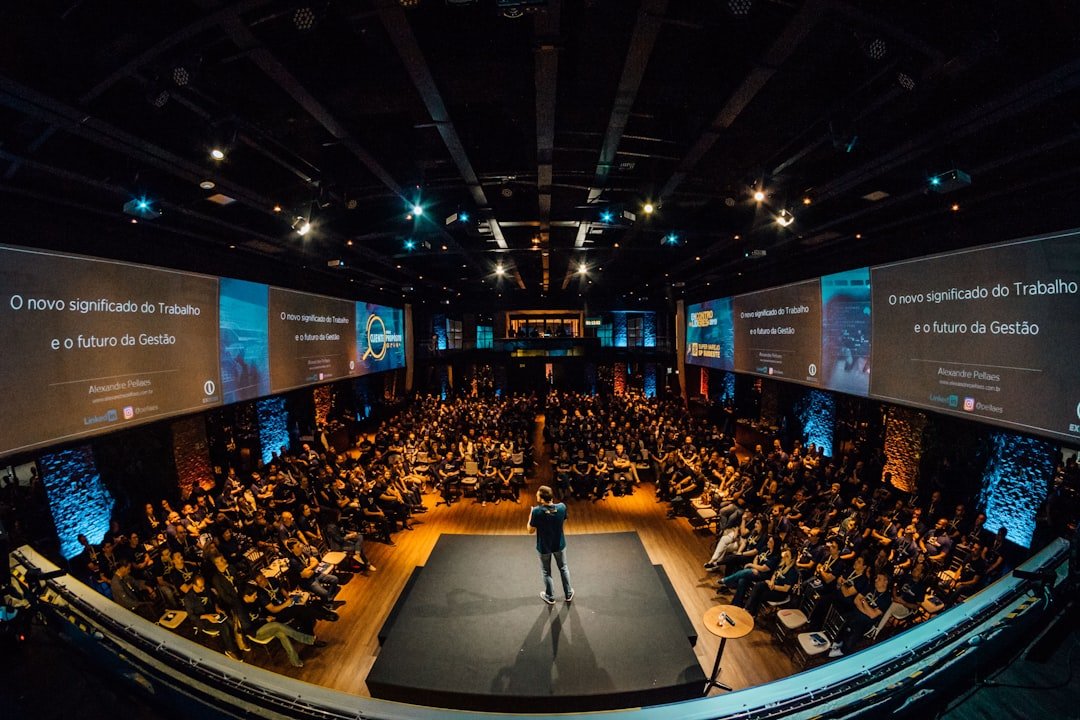
Gamma is one of the most-watched AI presentation products of the past couple of years. Incubated by Y Combinator, it designed its product experience around AI from the very start. The user only needs to enter a topic or paste in some text, and Gamma automatically generates a complete set of slides, including titles, sections, text-and-image layout, and visual style.
Gamma's distinguishing feature is that the generated result isn't a set of static, page-by-page slides like a traditional PPT, but something closer to an interactive, web-style document. Each page can include rich-media elements like embedded video, dynamic charts, and collapsible content blocks. This format is especially suited to scenarios where you send it to clients or team members to browse on their own, rather than the traditional presentation scenario of standing in front of a projector and going page by page.
Gamma supports multilingual input, and Chinese input also yields decent results. After generation, the user can fine-tune the content page by page, switch template styles, and adjust the color scheme. For users who frequently make product intros, project reports, or startup pitches, Gamma can significantly boost first-draft efficiency.
3 Beautiful.ai, Smart-Template-Driven Auto Layout
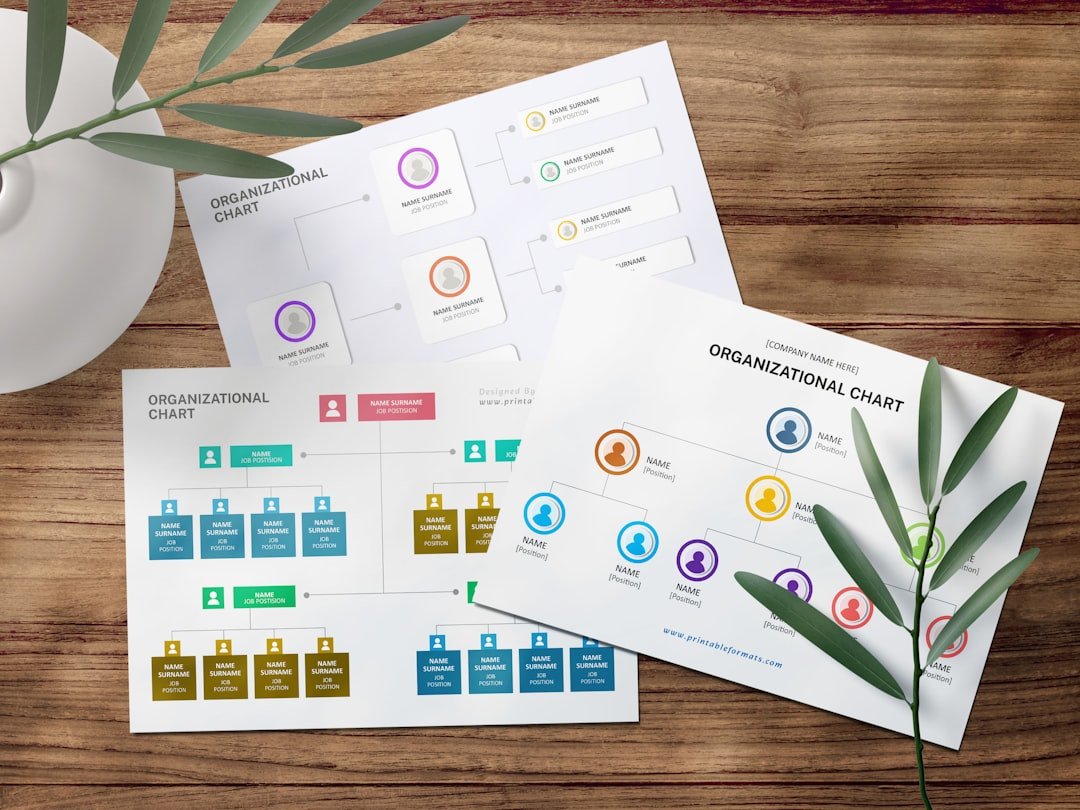
Beautiful.ai's core idea is "design rules built into the template." Traditional PPT tools give you a blank canvas and infinite freedom, but most people can't use that freedom well. Beautiful.ai goes the other way, offering a large set of preset smart templates; after the user fills in content, the system automatically adjusts the layout, spacing, font size, and alignment, ensuring every page conforms to professional design standards.
This tool stands out in team-collaboration scenarios. Companies can set visual standards like brand colors, fonts, and logos, and when team members create slides on this basis, the AI automatically applies these brand elements, ensuring all external materials have a consistent visual style. For consulting firms and marketing teams that frequently produce proposals and reports, this feature has real practical value.
Beautiful.ai has also recently added AI content-generation capability, letting users describe content in words and have the AI help fill in the slides. But compared with AI-native products like Gamma and Tome, Beautiful.ai's AI generation is more of an enhancement to a template tool than the product's core selling point. It's better suited to users with high standards for visual quality and some design sense, but who don't want to spend time on manual layout.
4 Tome, an AI Narrative-Driven Presentation Tool
Tome initially drew wide attention with "AI one-click PPT generation," and later gradually repositioned itself as an AI-driven narrative tool. Like Gamma, Tome also lets users enter a description and automatically generates a multi-page presentation, but Tome puts more emphasis on the storytelling and narrative structure of the content.
When using Tome, what you enter isn't just a topic, but a story you want to tell or a point you want to convey. The AI organizes the slides' logical line around this core message, from the opening hook to the core argument to the closing summary, forming a complete narrative arc. This design philosophy is especially suited to scenarios that require persuasiveness, like startup fundraising pitches, brand storytelling, and annual review reports.
Tome also supports embedding rich-media content like web pages, video, and 3D models in slides, with a modern, minimalist visual style in the generated result. Note that Tome's support for Chinese content is currently not as smooth as for English, so if your presentation is mainly aimed at a Chinese audience, we recommend carefully checking whether the language reads naturally after generation.
5 iFlytek Zhiwen and WPS AI, Local Choices for Chinese Users
For Chinese users, there are also mature domestic AI presentation tools to choose from. iFlytek Zhiwen is an AI document and presentation tool from iFlytek, supporting automatic PPT generation in a Chinese-language context. After the user enters a topic, iFlytek Zhiwen generates well-structured slides based on the characteristics of Chinese content, performing better than overseas tools at Chinese typesetting and Chinese-font pairing.
WPS AI is the AI capability that Kingsoft has integrated into WPS Office, covering documents, spreadsheets, and presentations. In WPS Presentation, users can use the AI assistant to enter a topic and quickly generate a slide outline and content, or apply smart beautification and layout optimization to existing slides. WPS AI's advantage is that it's embedded directly in the office suite most familiar to Chinese users, with no need to register on a new platform, so the learning curve is nearly zero.
These two domestic tools have natural advantages in Chinese content quality, domestic network access speed, and compatibility with the domestic office ecosystem. If your daily work is mainly in Chinese and you don't want to deal with the registration and network issues of overseas tools, iFlytek Zhiwen and WPS AI are pragmatic choices. Please check each platform's official site for specific pricing.
6 Canva AI Presentations, a Design Platform's AI Extension
Canva is one of the world's largest online design platforms by user count, and in recent years it has added AI generation to its presentation scenario. Users can select the "presentation" template type in Canva and then use AI to assist in generating content, or pick a base template from Canva's huge template library and let AI help fill it in and adjust it.
Canva's biggest advantage for AI PPTs is its asset ecosystem. Canva has a vast library of images, icons, illustrations, and video assets, which the AI can draw on directly when generating slides, making the generated result far richer visually than pure text-layout tools. In addition, Canva's collaboration features are mature, supporting real-time multi-person editing, comments, and version management.
That said, Canva's AI presentation feature is more of an AI capability layered onto an existing design platform than an AI-native experience designed from scratch. If you're already a Canva user and used to how it works, making AI PPTs in Canva is very smooth. If you're a new user coming purely for AI-generated PPTs, the AI-native experience of Gamma or Tome may be more direct. Please check each platform's official site for specific pricing.
7 How to Choose Among the Five Platforms, by Use Case
Choosing a tool doesn't require chasing the most powerful one; the key is matching your use case.
If you frequently make product intros, project reports, or internal shares that need quick drafts, Gamma's AI generation speed and web-style display are the top choice, well suited to sending the recipient a link to browse directly after generation.
If your company has strict requirements for brand visuals and all external materials must follow a unified visual standard, Beautiful.ai's brand controls and smart layout are better suited to unified team use.
If you need to make fundraising pitches, brand stories, or annual reports that require narrative persuasiveness, Tome's narrative-structure generation is worth trying.
If your work language is mainly Chinese and you want a tool that integrates seamlessly with your existing office workflow, iFlytek Zhiwen or WPS AI is the most worry-free choice, especially for those already using WPS.
If, besides PPTs, you also frequently make posters, social-media images, and other designs, Canva's one-stop design platform avoids switching between multiple tools, for higher overall efficiency.
8 Polishing Tips After AI Generates Your Slides
AI-generated slides are a good starting point, but using them directly often still falls one step short. The following polishing tips can take AI-generated results from "usable" to "good."
First, trim the text. AI-generated slides commonly have too much text, with three or four paragraphs crammed onto each page. A good presentation makes only one core point per page, the less text the better, leaving the details to the speaker's narration or the notes pane. We recommend cutting more than half the text page by page after generation.
Second, unify the visual rhythm. AI-generated multi-page slides sometimes have inconsistent styles, with one color scheme on the first few pages and suddenly a different one later, or inconsistent image styles. Spend a few minutes unifying the whole deck's color scheme, fonts, and image style, and the overall quality improves a lot.
Third, check the logical line. AI is good at organizing content within each page, but the cross-page logical connections are sometimes not tight enough. Check whether there's a clear progression from the first page to the last, whether there are any jumps or repeated content, and adjust the page order or merge and split pages as needed.
Finally, add your own insights. AI can generate generic industry information and frameworks, but what moves an audience is usually your personal experience, real cases, and unique viewpoints. Adding your own thinking to key pages is the part AI can't replace.
9 How to Prepare Images and Cover Art, a Supplementary Mobile Option
The image libraries built into AI PPT tools are usually generic stock libraries or standardized illustrations generated on the spot by AI, which when used in your own deck can easily clash with others' and lack distinctiveness. A common approach is to separately use an AI image tool to generate a few custom illustrations as the cover and key-page images.
If all you have on hand is your phone, Lingtu is a domestic AI image app worth trying. Its full App Store name is "Lingtu - AI Drawing Design," and you can find it by searching "Lingtu" in the China region. It aggregates several mainstream overseas engines in one app: the Midjourney-style atmosphere engine is good for covers and emotional illustrations, the Flux-style realistic engine is good for product and scene images, and the Nano Banana-style fast engine is good for cranking out images when you're short on time. Write prompts directly in Chinese, export the result to your phone's photo album, then AirDrop it to your computer to insert into the PPT; the whole flow needs no network switching, so you can get the cover ready on your commute.
Download link: Lingtu - App Store
Frequently Asked Questions (FAQ)
Can AI-generated PPTs be used directly in formal settings?
They can be used as a first draft, but we recommend manual polishing before a formal setting. AI-generated slides already reach a usable level in structure and layout, but the text content may be generic and the visual details may have inconsistencies. For less demanding settings like internal company reports, a little adjustment makes them usable. For high-stakes scenarios like client pitches and fundraising presentations, we recommend carefully polishing the content and visuals on top of the AI first draft.
Do these AI PPT tools support Chinese?
To varying degrees. Gamma and Canva support Chinese fairly well, and entering Chinese yields reasonable Chinese slides. Tome and Beautiful.ai are English-first, and their Chinese generation may not be as smooth as English, requiring later adjustment. iFlytek Zhiwen and WPS AI are designed specifically for Chinese users and offer the best Chinese experience. If your content is mainly in Chinese, prioritize domestic tools or overseas platforms with good Chinese support.
Are AI PPT tools free or paid?
Most tools use a freemium model. The free version usually has feature limits, such as a cap on slides you can generate per month, restricted export formats, or watermarks on the results. The paid version unlocks more templates, a higher generation quota, and more export options. Each platform's free quota and paid plans differ, so please check each platform's official site for specific pricing, and we recommend first experiencing the core features with the free version to see if they meet your needs before choosing.
Can AI-generated slides be exported to PowerPoint format?
Most platforms support exporting to PPTX format. Gamma, Beautiful.ai, Canva, and others all offer PowerPoint-format export, after which you can keep editing in Microsoft PowerPoint or WPS. Note, however, that some rich-media elements (such as embedded video and interactive content blocks) may be lost or become static images after exporting to PPTX, because the PowerPoint format doesn't support these dynamic elements. If you need to ultimately use the file in PowerPoint, we recommend choosing more compatible templates and layouts at generation time.
What's the fundamental difference between making a PPT with AI versus with a traditional template?
The fundamental difference is the starting point. The traditional approach starts from a blank template or a half-finished template, and you need to conceive the content structure, fill in text, choose images, and adjust the layout yourself, with the whole process dominated by manual work. The AI approach is that you provide a topic or outline, the AI directly generates a complete first draft with content and layout, and your job becomes review and fine-tuning. This means AI tools shorten making a PPT from "creating from scratch" to "editing on a good foundation," a particularly noticeable efficiency gain for users with limited content and design ability.
📝 本文来自抖文 www.douwen.me ,转载请保留出处。
原文链接:https://douwen.me/archives/1139/
💬 评论 (7)
Sharing this with my team.
Clear and to the point.
Loved the FAQ section.
Great resource.
Best summary I've read on this.
Solid breakdown, very useful.
Thanks for the detailed comparison.