ChatGPT Custom Instructions configuration templates 10, used by high-yield users in 2026
The 2026 World Cup is co-hosted by the United States, Canada, and Mexico across 16 host cities. From Los Angeles on the West Coast to New York on the East Coast, from Toronto in the north to Monterrey in the south, the tournament stretches across three time zones and six thousand kilometers. If you plan to attend matches in person, you should start planning transportation, accommodation, and visas at least six months in advance.
This article organizes match-going information for the 16 host cities by geographic region. It covers stadium capacities, the teams playing there, transportation options, lodging areas, visa tips, and ticketing channels. It is based on the latest official information as of May 2026, with FIFA having released the full schedule and group draw.
Complete Overview of Host Cities
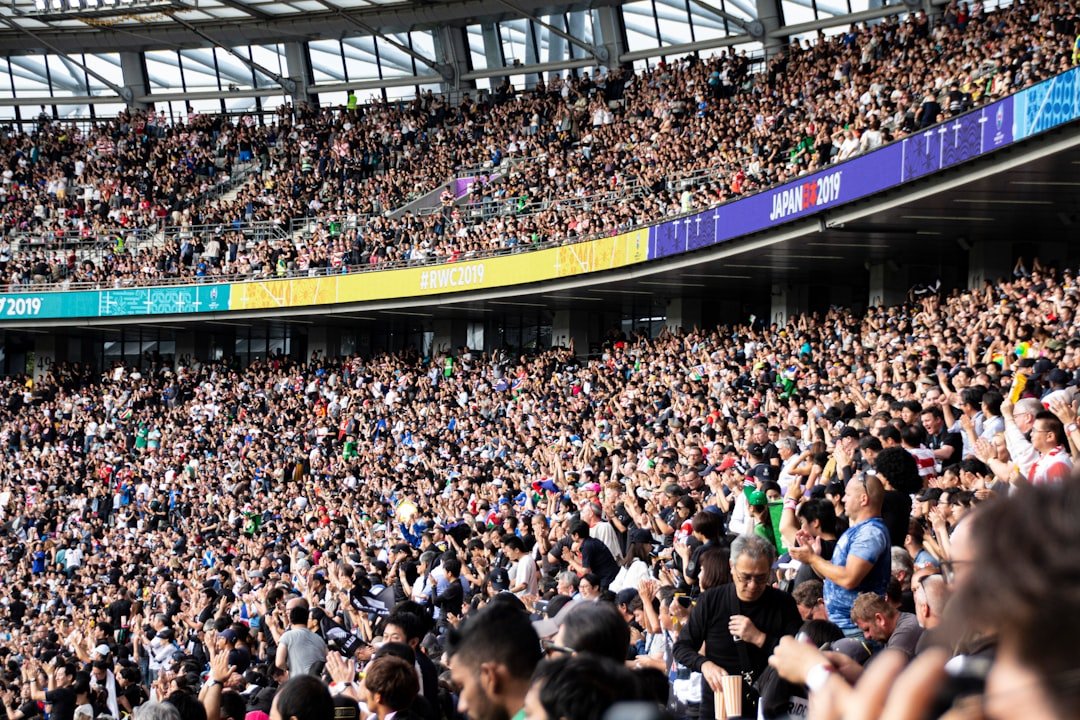
The 11 U.S. cities are Atlanta, Boston, Dallas, Houston, Kansas City, Los Angeles, Miami, New York/New Jersey, Philadelphia, the San Francisco Bay Area, and Seattle.
Canada has 2 cities, Toronto and Vancouver. Mexico has 3 cities, Mexico City, Guadalajara, and Monterrey. That makes 16 host cities and 16 stadiums in total. The largest is MetLife Stadium in New Jersey, with a capacity of 87,000, which will host the final. The smallest is BC Place in Vancouver, with a capacity of 54,500.
The 48 participating teams are split into 12 groups of 4. The 72 group-stage matches decide the 32 teams advancing to the round of 32. The knockout rounds run 32 matches through to the final. The whole tournament runs from the June 11 opening to the July 19 final, spanning 39 days and 104 matches.
Match Guide for the Three Northeastern U.S. Cities
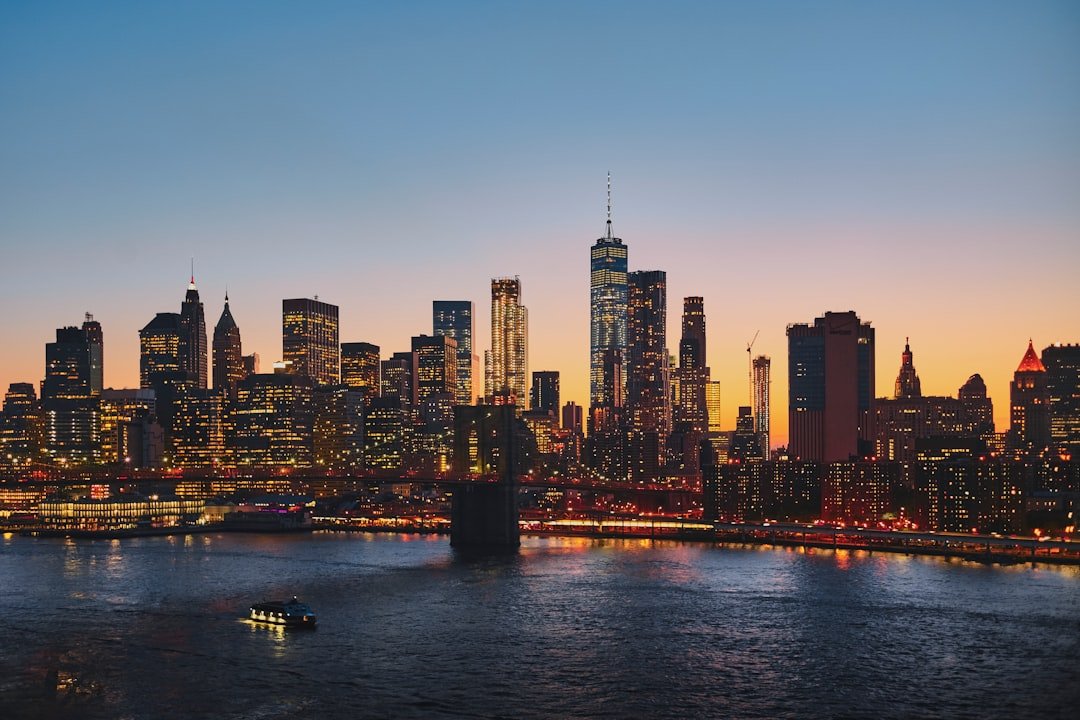
MetLife Stadium in New York/New Jersey is the venue for the final. With a capacity of 87,000, it is a 30-minute drive from Manhattan. The most convenient route is to take NJ Transit directly from New York Penn Station to the Meadowlands Sports Complex station, about 25 minutes. For accommodation, Midtown Manhattan or Jersey City is recommended; during the week of the final, hotels average $800 per night and up.
Gillette Stadium in Boston has a capacity of 65,000 and will host 7 group-stage matches plus 2 knockout matches. It is a 35-minute drive from downtown Boston, with no direct subway service. Renting a car or hiring a shuttle is recommended. You can stay in Boston Downtown or at local hotels in Foxborough. Boston Logan Airport is the hub for New England.
Lincoln Financial Field in Philadelphia has a capacity of 69,000 and will host 6 matches, including 1 round-of-16 game. The Broad Street Line subway runs directly to the stadium area. From New York, take Amtrak for 1 hour 15 minutes to Philadelphia's 30th Street Station, then transfer to the subway. There are plenty of accommodation options in Philadelphia's Center City.
Match Guide for the Three Southern U.S. Cities
Mercedes-Benz Stadium in Atlanta has a capacity of 75,000 and will host 8 matches, including 1 semifinal. The Atlanta MARTA subway runs directly to the GWCC/CNN Center station, a 5-minute walk to the venue. Atlanta's Hartsfield-Jackson Airport is one of the busiest airports in the world, making international connections easy.
Hard Rock Stadium in Miami has a capacity of 65,000 and will host 7 group-stage matches and 1 third-place playoff. It is a 30-minute drive from downtown Miami, with no subway. Renting a car or using Uber is recommended. You can stay in Miami Beach or downtown. The climate from June to July is hot and rainy, so bring a lightweight rain jacket.
NRG Stadium in Houston has a capacity of 72,000 and will host 6 matches, including 1 round-of-16 game. The Red Line subway runs directly to the Stadium Park/Astrodome station, a 10-minute walk to the venue. Stay in Downtown Houston or the Medical Center area. Texas temperatures in June run high, above 35°C daily, so take precautions against heat.
The Five Central and Western U.S. Cities
AT&T Stadium in Dallas has a capacity of 80,000 and will host 9 matches, including 1 semifinal. It is in the city of Arlington, a 30-minute drive from downtown Dallas. There is no direct public transit, so renting a car or arranging a group bus is recommended. Stay in Dallas Downtown or at local hotels in Arlington.
Arrowhead Stadium in Kansas City has a capacity of 76,000 and will host 6 matches. It is a 20-minute drive from downtown Kansas City to the Truman Sports Complex. Country Club Plaza or Downtown KC are both convenient for lodging. Kansas City International Airport (MCI) is 30 kilometers from downtown.
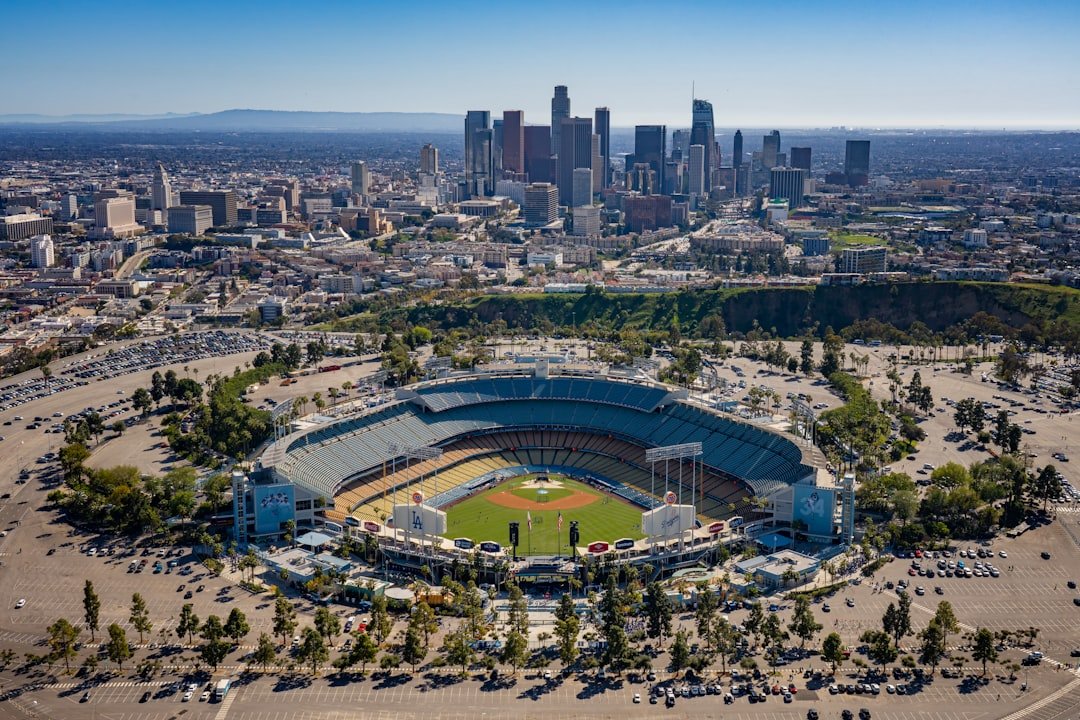
SoFi Stadium in Los Angeles has a capacity of 70,000 and is the main venue on the West Coast. It will host 8 matches, including 1 semifinal. It is in the city of Inglewood, a 15-minute drive from LAX airport. You can stay in Downtown LA, Hollywood, or Santa Monica. Renting a car is recommended, as LA's public transit is inconvenient.
Levi's Stadium in the San Francisco Bay Area has a capacity of 68,000 and will host 6 matches. It is in Santa Clara, a 50-minute drive from downtown San Francisco, and closer to San Jose Airport. Staying in San Jose or Santa Clara is recommended to be near the venue. Bay Area weather in June is cool, so bring a jacket.
Lumen Field in Seattle has a capacity of 69,000 and will host 6 matches, including 1 round-of-16 game. It is in Seattle's downtown SoDo district, with direct service via the Sound Transit Link light rail. There are plenty of options in Downtown Seattle. June in Seattle has great sunshine and the best weather, making it one of the most comfortable cities for the match-going experience.
Match Guide for the Two Canadian Cities
BMO Field in Toronto has been expanded to a capacity of 45,000 and will host 5 matches, including Canada's home games. From Toronto's Union Station, take GO Transit to the Exhibition station in 5 minutes. There are plenty of lodging options in Toronto Downtown or Liberty Village. As for Canada's visa process, Chinese travelers need an eTA plus a visa application.
BC Place in Vancouver has a capacity of 54,500 and will host 7 matches, including Canada's home games. From the SkyTrain Stadium-Chinatown station in downtown Vancouver, it is a 5-minute walk to the venue. Stay in Downtown Vancouver or the Gastown district. Vancouver's climate is mild, and June to July is the best time.
As for Canadian visas, since 2024, travelers from China holding a valid U.S. B1/B2 visa can stay visa-free for up to 6 months. Without a U.S. visa, you need a formal Canadian visa. It is recommended to apply 3 months in advance.
Match Guide for the Three Mexican Cities
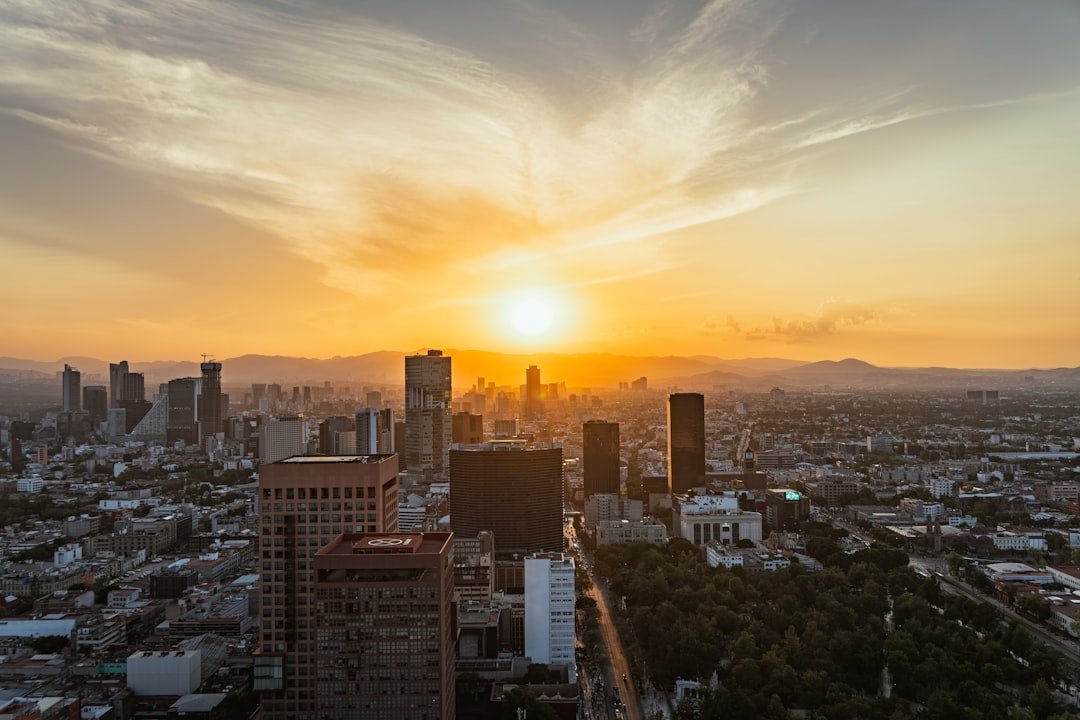
Estadio Azteca in Mexico City has a capacity of 87,000 and is a historic World Cup venue. Both the 1970 and 1986 finals were held here. In 2026 it will host 5 group-stage matches and 1 round-of-16 game. From the Line 7 subway's General Anaya station, it is a 10-minute walk to the venue. But the stadium sits at 2,240 meters of altitude, so avoid strenuous activity when you first arrive.
Estadio Akron in Guadalajara has a capacity of 49,850 and will host 4 matches, including Mexico's home games. It is a 20-minute drive from downtown Guadalajara. Guadalajara is Mexico's second-largest city, with a pleasant climate averaging 25°C in June.
Estadio BBVA in Monterrey has a capacity of 51,348 and will host 4 matches. It is in the suburb of Guadalupe outside Monterrey, a 30-minute drive from downtown. Monterrey is near the U.S. Texas border and is hot in June, above 35°C. As for Mexican visas, Chinese travelers need a Mexican visa or an ESTA; those who already hold a U.S. visa can apply for a Mexican electronic visa.
Visa and Entry Guide
For U.S. visas, Chinese travelers apply for a B1/B2 tourist/business visa. The in-person interview appointment wait is now 6 to 12 months, so anyone hoping to attend matches in early 2026 needed to book by mid-2025. Those who already hold a 10-year U.S. visa do not need to reapply but should confirm whether their EVUS needs updating.
For Canadian visas, you can use the electronic eTA if you already have a U.S. visa. Otherwise, a formal visa takes 4 to 8 weeks. For Mexico's electronic visa, those who already have a U.S. or Canadian visa can apply online with the FMM, which comes through in 24 hours.
Cross-border travel among the three countries after entry matters a lot. When planning your itinerary, try to concentrate it within one country. Crossing borders to watch matches requires carrying your passport and visa and going through secondary security checks at the airport. The U.S.-Mexico border has long lines in June, so it is recommended to cross during off-peak hours.
Ticketing Channels and Prices
The official FIFA ticketing site, fifa.com/tickets, is the only legitimate channel. The first round of lottery ticket purchases opened in February 2026, with formal sales beginning in May. Regular group-stage tickets start at $100, semifinal tickets run $1,000 to $4,000, and the final runs $3,000 to $10,000.
Do not buy from scalpers or secondhand sites. FIFA has rolled out NFC tickets bound to your passport to prevent resale. Tickets identified as resold will be refused entry right at the stadium gate. If you cannot get an official ticket, consider watching teams prepare at open training sessions, which is free and lets you get close to the players.
Match Hospitality packages are sold by FIFA partner MATCH Hospitality and include VIP seating plus catering plus gifts, starting at $3,000. If your budget allows, this is the most comfortable way to go.
Money-Saving Tips for Lodging and Transportation
The best time to book flights is 6 months before kickoff, in December 2025. As kickoff approaches within 1 month, fares will rise 50% to 100%. Departing from China, connecting through Toronto or Los Angeles airports is the most economical.
Book lodging in the group-stage host cities early. During the week of the final, hotels in Mexico City, New York, and Los Angeles average $800 to $1,500. An entire Airbnb rental or shared apartment is 30% to 50% cheaper than a hotel. If you are traveling between cities, consider renting an RV at $200 per night, which can house a family of four.
For intercity transportation, combine U.S. Amtrak train tickets, Greyhound buses, and self-driving rentals. Domestic U.S. flight segments are pricier than expected. For short trips within 500 kilometers in North America, driving is more economical than flying.
Frequently Asked Questions (FAQ)
When do 2026 World Cup tickets go on sale
FIFA official ticketing begins with the first round of lottery purchases in February 2026, entering the formal sales phase from May. Final and semifinal tickets open earliest, with group-stage tickets released in batches. It is recommended to register an account at fifa.com/tickets and apply the moment sales open; high-demand matches such as U.S. team games or a marquee England vs. Argentina clash will sell out within hours.
What visa do Chinese fans need to watch the World Cup in person
It depends on which matches you want to see. For the U.S., apply for a B1/B2 tourist visa; the in-person interview appointment wait is now 6 to 12 months. For Canada, those with a U.S. visa can use the eTA electronic visa; otherwise a formal visa takes 4 to 8 weeks. For Mexico, those with a U.S. or Canadian visa can apply for an electronic visa that comes through in 24 hours; otherwise a traditional visa is required. It is recommended to apply for visas 6 to 12 months in advance and not wait until kickoff approaches.
Which host city offers the best value for accommodation
Vancouver in Canada and Guadalajara in Mexico offer the best value. Downtown Vancouver hotels average $200 per night, 60% lower than New York, and a full Airbnb rental in Guadalajara is $80 per night. If you are only looking at the U.S., Seattle and Kansas City are half the price of New York and LA. If you must stay in New York or Los Angeles during the week of the final, it is recommended to book 6 months ahead or stay at suburban hotels and commute to the venue.
Can you attend matches in person without speaking English or Spanish
Absolutely. Airports, hotels, and stadiums in major U.S. cities offer Chinese-language services, and Mexico City and Vancouver in Canada have large Chinese communities, so communicating in Chinese is no problem. Installing a Google Translate offline pack on your phone is basically enough for daily communication. Going with a group or following a Chinese travel agency's themed tour is the most worry-free option. There will also be multilingual volunteers at the FIFA Fan Festival.
What other ways are there to watch if you can't get match tickets
Every host city has an official Fan Festival with big-screen broadcasts, free to enter and full of atmosphere. You can also watch teams prepare at open training sessions, which are usually opened free to fans 2 to 3 days before matches. Local bars will also host watch parties; watching matches over a beer is even livelier than sitting on a cold stadium bench. The cheapest approach is to book one night's lodging in a host city, spend the day exploring the area around the stadium with food and drink, and watch the match at a bar in the evening.
📝 本文来自抖文 www.douwen.me ,转载请保留出处。
原文链接:https://douwen.me/archives/1001/
💬 评论 (8)
Stats really back it up.
Bookmarked for reference.
Practical tips not fluff.
Step-by-step is gold.
Easy to follow.
Great resource.
Loved the FAQ section.
Best summary I've read on this.